How to make one interaction work in VR, on desktop and on mobile
Advanced Framework Pro separates who acts from what is acted on. Abilities on the pawn and the motion controllers supply the input: mouse, laser, fingertip or touch. Interaction components on the object only receive the result, so one object Blueprint works unchanged in VR, on desktop and on mobile. By the end of this you will have an interactive object you can test on all three platforms without a single platform branch.
At a glance
DA_Level_<Map>  (PDA_Level)
├─ Default Pawn Desktop = BP_Pawn_Desktop_Char
├─ Default Pawn VR      = BP_Pawn_VR_Char
├─ Default Pawn Mobile  = BP_Pawn_Mobile_Char
└─ Pawn Select          = Dynamic
Your actor (no platform branches)
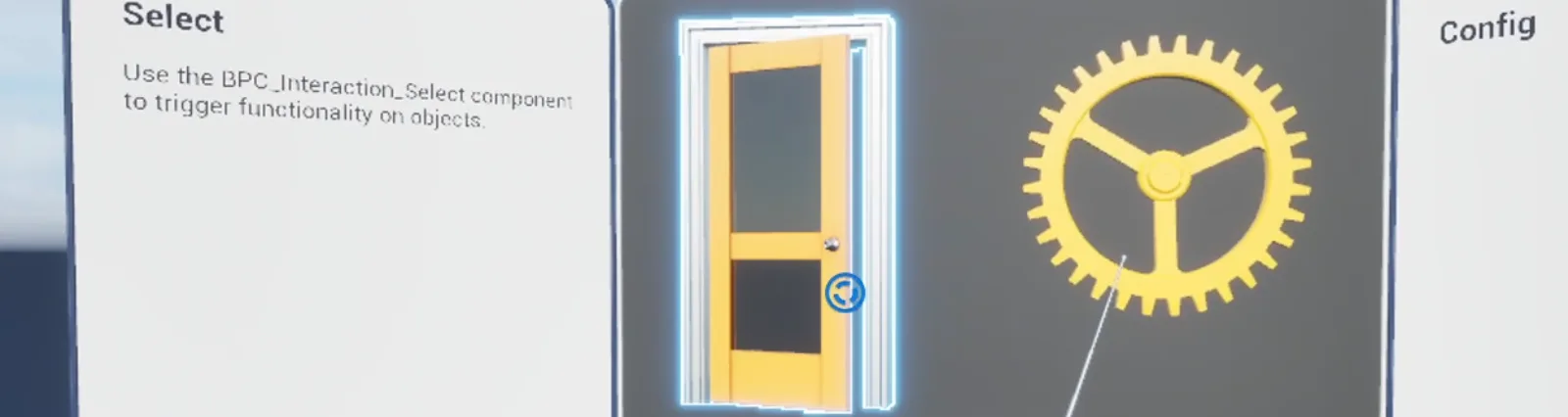
├─ BPC_Interaction_Select        click / laser / touch   → On Select (Source Info)
├─ BPC_Interaction_Grip_Pickup   grab                    → On Gripped Start / Release
└─ BPC_Interaction_Overlap       fingertip press         → Overlap Started / Release
Abilities live on the pawn and the motion controllers; the object only reads ST_SourceInfo
Steps
- In your level's
PDA_Level, set Default Pawn Desktop, Default Pawn VR and Default Pawn Mobile. The shippedBP_Pawn_Desktop_Char,BP_Pawn_VR_CharandBP_Pawn_Mobile_Charalready carry the matching abilities. Leave Pawn Select on Dynamic. - On the object, add the interaction component for what should happen:
BPC_Interaction_Selectfor click, point or touch,BPC_Interaction_Grip_Pickupfor grabbing,BPC_Interaction_Overlapfor a fingertip press. - Bind the component's events, for example On Select or On Gripped Start. Do not check the platform; use the Source Info the event gives you if you need to know which hand or which ability acted.
- Test on desktop with Play in Editor, in VR with VR Preview, and on a phone or in the mobile preview. The right pawn spawns in each case.
Notes
Every interaction event delivers ST_SourceInfo: the pawn, the component and an identifier. That is enough
to tell left from right, laser from finger, or one ability from another, without referencing a pawn class.
Desktop and mobile pawns still differ where the hardware does: a mouse hovers, a finger does not. Keep hover feedback helpful but not required.
Haptics follow the same rule. FL_Haptics.Haptics_Effect takes the Source Info, finds the right hand
and does nothing on platforms without haptics.
In multiplayer the same object replicates with BPC_Replication_Actor; see
How to replicate an interaction in multiplayer.
Every example map runs on all three platforms from one content set; Map_Examples_Select is the
smallest place to see the pattern.