AFS_UX_Overlap
Overlap-driven interaction for direct touch: buttons and objects pressed with the hand rather than pointed at.
What it gives you
- Direct-touch interaction for VR hands
- Identifier filtering so only a fingertip triggers a button
- A drag variant for physical sliders and levers
Requires
Required by
Description
Overlap interaction covers the case where the player touches something rather than pointing at it — the most physically convincing interaction in VR, and the one that needs the most filtering.
Without filtering, a whole hand passing near a button triggers it. BPC_Interaction_Overlap
therefore has Allowed Identifiers: only abilities whose identifier appears in the list may
trigger it. Setting it to the fingertip ability's identifier makes a button that must be pressed
deliberately with a finger.
BPC_Interaction_Overlap_Drag extends this to drive a BPC_State_Drag, which is how physical
sliders, dials and drawers are built.
Setup
- Enable
AFS_UX_Overlap. - On the target, tag the collision component and add
BPC_Interaction_Overlap, setting Component Tag Of Collision to that tag. - Add
BPC_ActorAbility_Overlapto the hand or fingertip that should be able to press. - Bind to Overlap Started and Release.
Usage
Making a fingertip-only button
See Add a pressable button. Set Allowed Identifiers to the fingertip ability's identifier.
Physical sliders
Use BPC_Interaction_Overlap_Drag with a BPC_State_Drag and set Component Tag Of Drag Comp.
Allowing two hands at once
Set Allow Multiple Overlaps true.
Key properties
| Property | When to change |
|---|---|
Allowed Identifiers | Restrict which abilities may trigger; empty accepts any |
Allow Multiple Overlaps | Whether several hands may overlap at once |
Component Tag Of Collision | Which collision component triggers the interaction |
Sound Overlap / Sound End Overlap | Touch feedback |
Extending
Derive from BPC_Interaction_Overlap for new touch behaviours, or implement Interface_Overlap to veto conditionally.
Example map
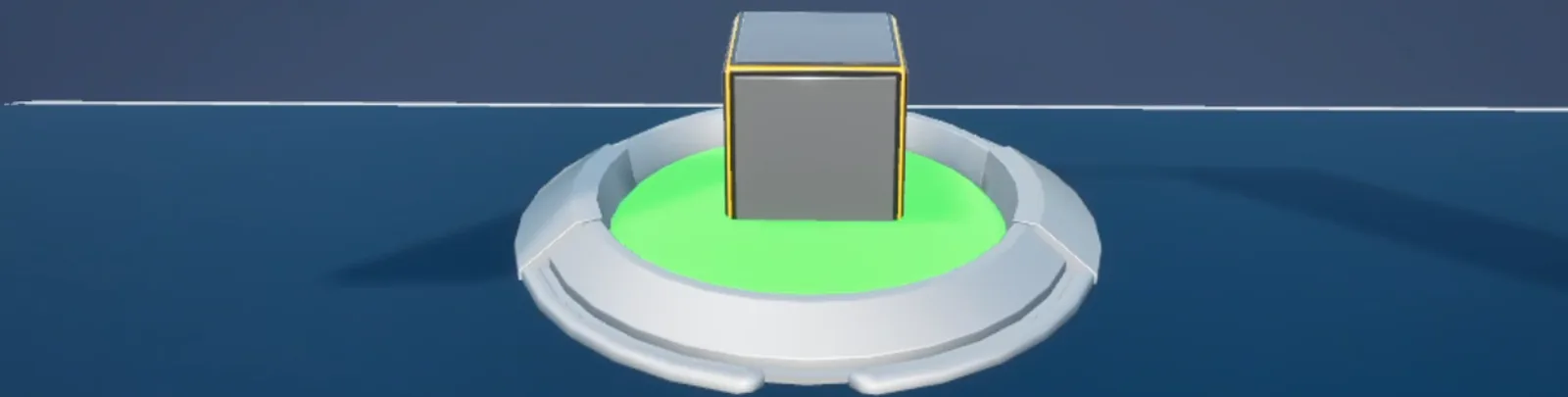
Map_Examples_Overlap shows fingertip buttons and overlap drag.
Troubleshooting
The button triggers when the hand is near but not touching. The collision component is larger than the visual, or Allowed Identifiers is empty so the whole hand qualifies.
Nothing happens on touch. The hand has no BPC_ActorAbility_Overlap, or the collision channels
do not overlap each other.
API reference
Every blueprint asset in this plugin. Expand an asset to see its members.
Components
BPC_ActorAbility_Overlap0 members
No editor-visible members; this asset configures defaults only.
BPC_Interaction_Overlap12 members
| Kind | Name | Signature | Description |
|---|---|---|---|
| var | ComponentTagOfCollisionSettings | name | Tag identifying which collision component on the owner triggers this overlap interaction. |
| var | AllowedIdentifiersSettings | name[] | Ability identifiers permitted to overlap this object. Leave empty to accept any. Use it to restrict a button to being pressed by a fingertip rather than a whole hand. |
| var | AllowMultipleOverlapsSettings | bool | Whether several abilities may overlap this object at once, or only the first one to arrive. |
| var | IdentifierSettings | name | Name identifying this overlap interaction, reported through Source Info. |
| var | Sound_OverlapSound | SoundBase | Sound played when an ability begins overlapping. |
| var | Sound_EndOverlapSound | SoundBase | Sound played when an overlap ends. |
| fn | getOverlapComponentOverlap | (out OverlapComponent: PrimitiveComponent) | Returns the collision component matching Component Tag Of Collision. |
| fn | canBeOverlappedOverlap | (OverlapAbility: BPC_ActorAbility_Overlap, out Enabled: bool) | Returns whether the given overlap ability is currently allowed, consulting Interface Overlap on the owner if implemented. |
| event | OnComponentBeginOverlap_Event_0 | (OverlappedComponent: PrimitiveComponent, OtherActor: Actor, OtherComp: PrimitiveComponent, OtherBodyIndex: int, bFromSweep: bool, ref const SweepResult: HitResult) | Internal handler that filters engine overlap events down to allowed abilities. |
| event | OnComponentEndOverlap_Event_0 | (OverlappedComponent: PrimitiveComponent, OtherActor: Actor, OtherComp: PrimitiveComponent, OtherBodyIndex: int) | Internal handler that ends the interaction when the overlapping component leaves. |
| event | Release | (OverlapAbility: BPC_ActorAbility_Overlap) | Fires when the overlapping ability leaves. Bind to this to run the release action. |
| event | OverlapStarted | (OverlapAbility: BPC_ActorAbility_Overlap, OverlappingComponent: PrimitiveComponent) | Fires when an allowed ability starts overlapping. Bind to this to run the press or touch action. |
BPC_Interaction_Overlap_Drag5 members
| Kind | Name | Signature | Description |
|---|---|---|---|
| var | ComponentTagOfDragCompDrag | name | Tag identifying the drag state component this overlap drives, so touching the object moves it along its configured axis. |
| fn | getDraggingComp | (out DragComp: BPC_State_Drag) | Returns the drag state component matching the configured tag. |
| fn | canBeOverlapped | (OverlapAbility: BPC_ActorAbility_Overlap, out Enabled: bool) | Returns whether the drag may start, additionally requiring a valid drag component. |
| event | OverlapStarted | (OverlapAbility: BPC_ActorAbility_Overlap, OverlappingComponent: PrimitiveComponent) | Begins dragging the object when an allowed ability touches it. |
| event | Release | (OverlapAbility: BPC_ActorAbility_Overlap) | Ends the drag when the ability leaves. |
Interfaces
Interface_Overlap1 members
| Kind | Name | Signature | Description |
|---|---|---|---|
| fn | CanBeOverlappedOverlap | (SourceInfo: ST_SourceInfo, CompOverlap: BPC_Interaction_Overlap, out IsOverlappable: bool) | Implement on an actor to veto or allow overlap interaction under your own conditions. |