Home › Reference › Example maps
Example maps
Every example map, what it demonstrates and which plugin it exercises. All maps live under
AF_Examples/Content/Examples.
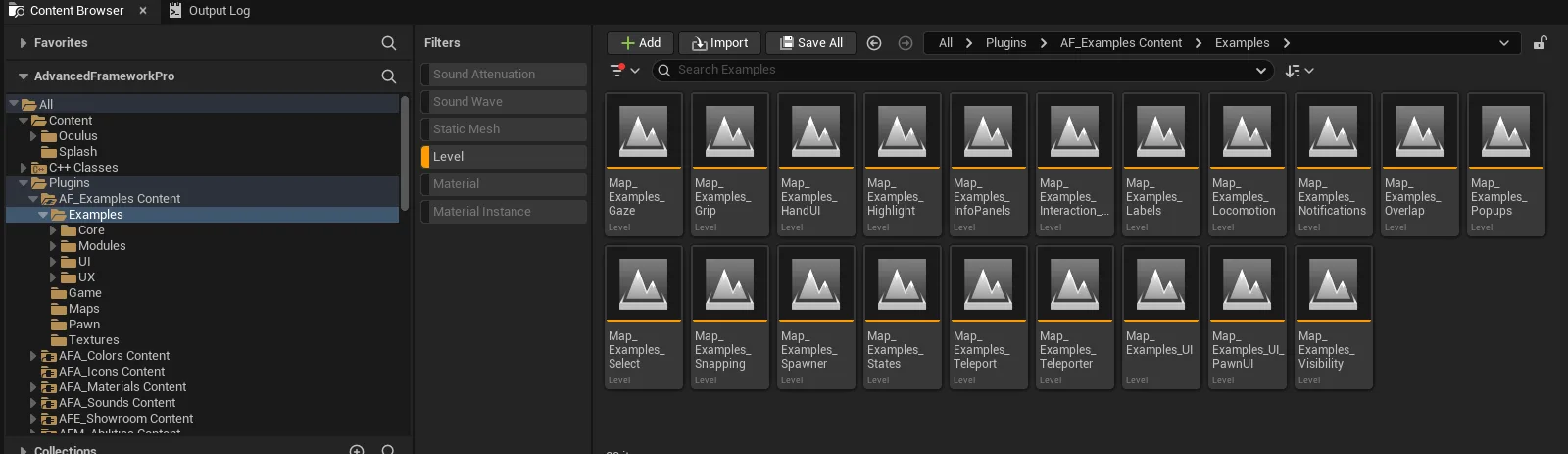
AF_Examples_map_index.pngThe example maps in the Content Browser
| Map | Shows | Plugin |
|---|---|---|
Map_Examples_Lobby | The showroom shell and navigation between examples | AFE_Showroom |
Map_Examples_Highlight | The three highlight styles on identical objects | AFS_Core_Highlight |
Map_Examples_Snapping | Connectors, anchors and surface snapping — battery and lightbulb | AFS_Core_Snapping |
Map_Examples_Select | Selection by click, laser and fingertip, with vetoes | AFS_UX_Select |
Map_Examples_Grip | Pickup, latch, drag and multi-axis grip | AFS_UX_Grip |
Map_Examples_Interaction_Hands | Hand-tracked interaction, custom poses, a playable arcade cabinet | AFS_UX_Grip, AFS_Core_Pawn |
Map_Examples_Gaze | Dwell-based interaction with indicators | AFS_UX_Gaze |
Map_Examples_Overlap | Fingertip-pressed buttons and overlap drag | AFS_UX_Overlap |
Map_Examples_Teleporter | Teleport areas, locations and nav-mesh teleport | AFS_UX_Teleporter |
Map_Examples_Locomotion | Smooth movement and snap turning | AFS_UX_Locomotion |
Map_Examples_Teleport | Teleport execution options — fade, motion, tracking level | AFM_Teleport |
Map_Examples_States | Every state component type driving objects and UI | AFM_State |
Map_Examples_Spawner | Spawning actors and handing them to the player | AFM_Spawner |
Map_Examples_Visibility | Show and hide transitions | AFM_Visibility |
Map_Examples_UI | The full widget gallery, themes and HUD anchors | AFS_UI |
Map_Examples_PawnUI | Body-locked spatial UI at two distances | AFS_UISpace_Pawn |
Map_Examples_HandUI | The wrist panel | AFS_UISpace_Hand |
Map_Examples_InfoPanels | Screen-space info panels | AFS_UI_InfoPanels |
Map_Examples_Notifications | Stacking notifications | AFS_UI_Notifications |
Map_Examples_Popups | Modal popups with buttons | AFS_UI_Popups |
Map_Examples_Labels | World-space labels on objects | AFS_UI_Labels |
Map_Intro | The branded intro sequence | AFU_Intro |