Installation
Getting the framework enabled and the project configured. Takes about ten minutes.
Requirements
- Unreal Engine 5.8. The framework is built and shipped for 5.8 only; assets saved in 5.8 will not open in an earlier engine.
- For VR: the OpenXR and OpenXR Hand Tracking plugins, both enabled by
AFS_Core_Pawn. - For multiplayer: Online Subsystem Utils, enabled by
AFS_Libraries.
Enabling the plugins
Copy the AdvancedFrameworkPro folder into your project's Plugins directory and restart the
editor.
Enable the plugins as a set rather than one at a time. The plugin descriptors do not currently declare their dependencies on each other, so enabling a single plugin without the ones it references produces asset load errors rather than a clear message. The dependency graph is shown on each plugin page under Requires.
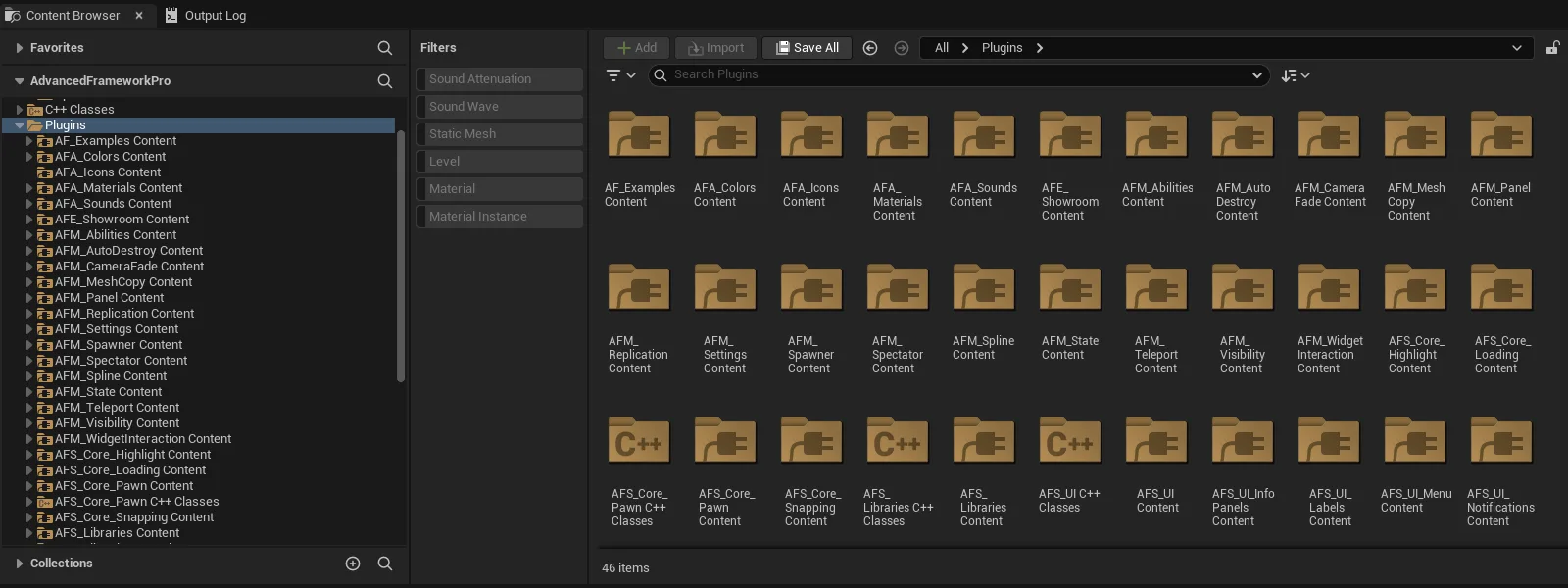
At minimum you need AFS_Libraries, AFM_Abilities, AFS_Core_Pawn and AFS_Core_Loading. Add
the UX and UI plugins for the interactions you want.
Settings the plugins change
Five plugins ship a Config/Engine.ini that changes project settings for you. You do not have to
apply any of them by hand — but you should know what moved, because two of them fail silently if they
do not take.
Why this needs checking at all. Plugin config sits earlier in Unreal's hierarchy than your own.
The order is the engine's BasePluginBase.ini, then the plugin's Config/Engine.ini, then your
project's Config/DefaultEngine.ini, and later files win. So any of these keys your project already
sets overrides the framework's — with no warning and nothing in the log. Config is also read at
startup, so none of it applies until you have restarted the editor.
AFS_Librariesreplaces the defaultGameNetDriverwithAFPNetDriver. If your project overrides it, server RPCs from non-pawn objects are silently dropped and the state and select systems do not replicate.AFS_Core_Snappingsetsr.CustomDepth=3, which the post-process highlight style needs. It ships here rather than inAFS_Core_Highlight, so taking highlighting without snapping does not get it.AFM_Teleportsetsr.MobileHDR=True, which mobile post-process needs for the camera fade. Worth knowing it is on, because mobile HDR is not free.AFS_UIreplaces the wholeUserInterfaceSettingssection: the DPI scale curve, aDesignScreenSizeof 3840x2160,UIScaleRuleandCustomFontDPI. If your project has its own DPI curve, yours wins and the framework's widgets scale against it — spacing and font sizes will drift from the design.AFA_SoundsreplacesDefaultSoundClassName,DefaultBaseSoundMixandVoiPSoundClass. If your project sets its own default sound class, the framework's mix does not apply.
The first two are the ones to confirm after installing. Both fail silently, and in neither case does the symptom point at a config file.
Verifying the install
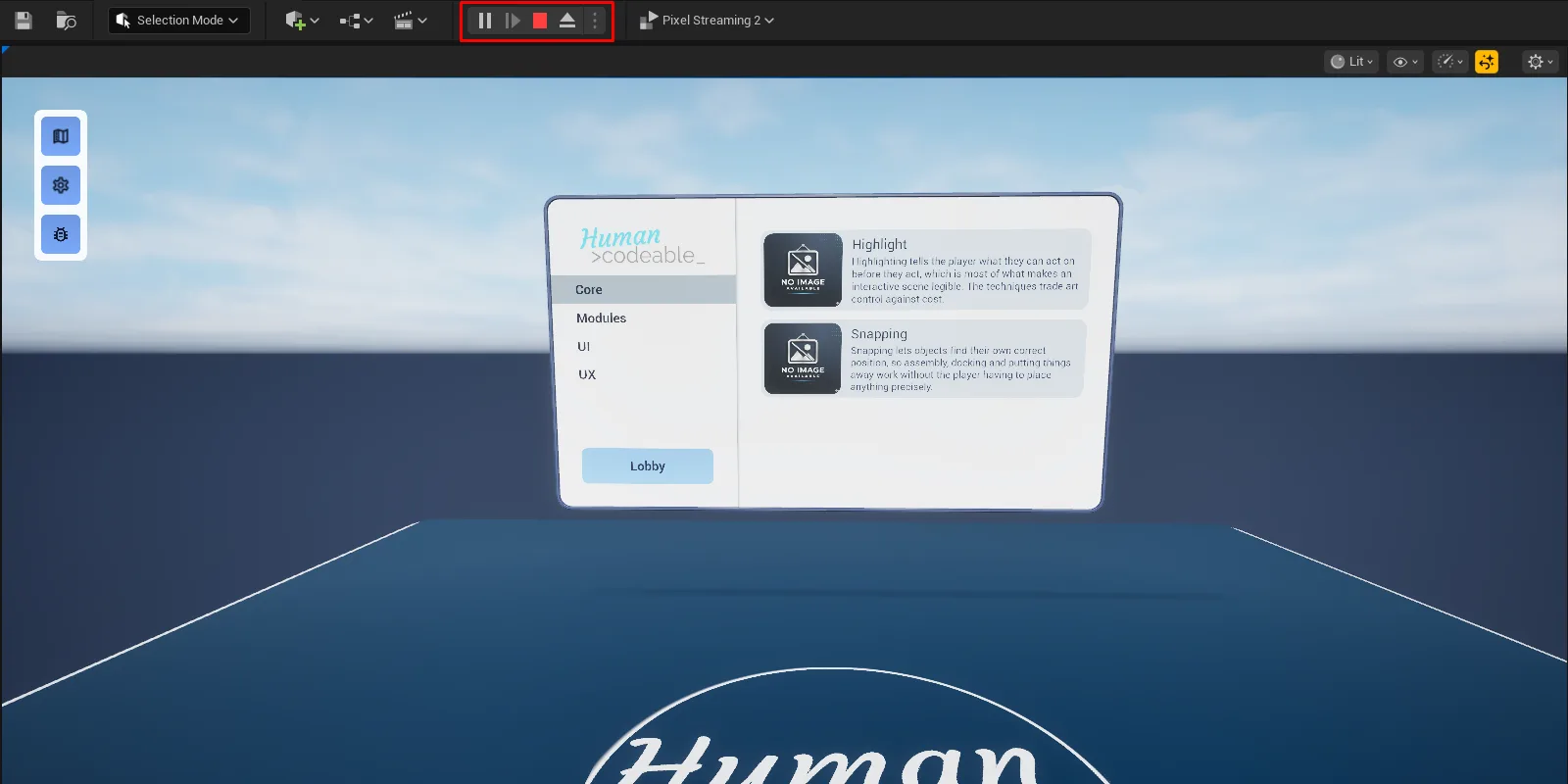
Open Map_Examples_Lobby from AF_Examples and press Play. You should get the showroom with a
working menu. If you have a headset connected, launch in VR Preview and you should get hands.