AFM_Panel
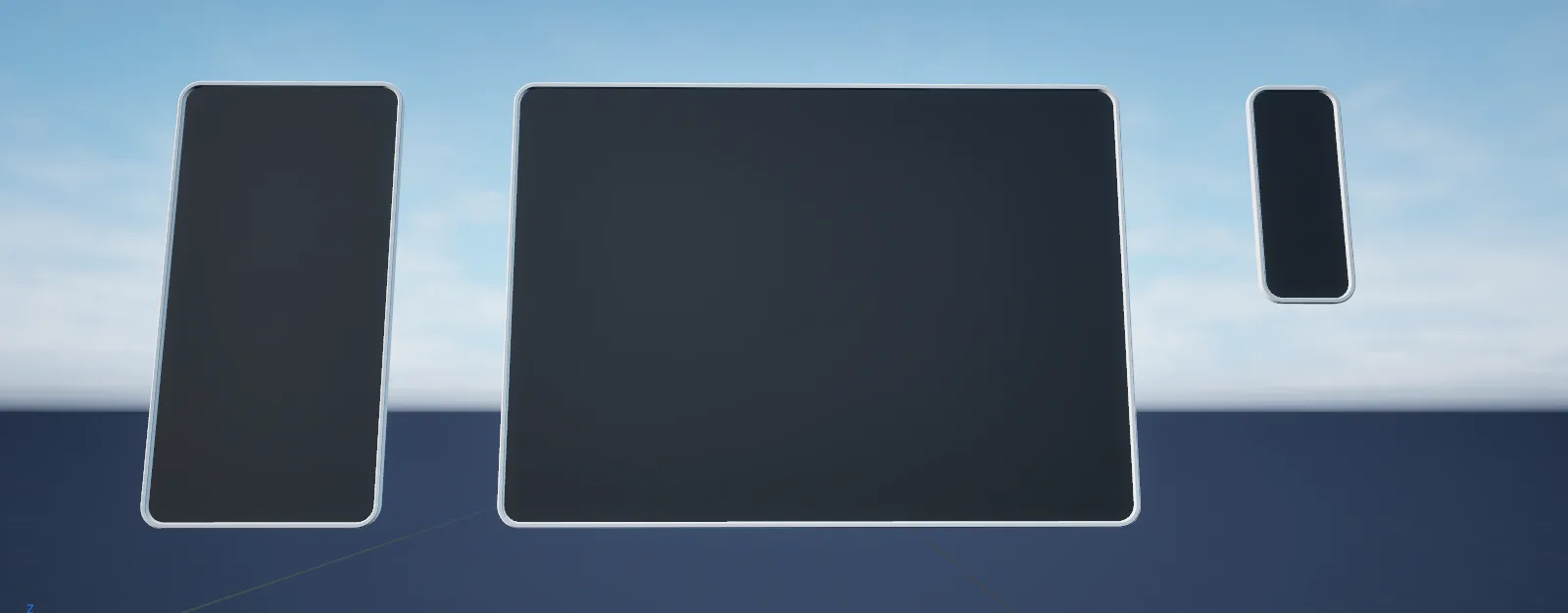
Builds a rounded panel mesh from corner, side and centre pieces at runtime, so 3D UI backing plates resize without new geometry.
What it gives you
- Resizable 3D panels with constant corner radius
- Border and fill colours driven from material parameters
- A backing plate for world-space UI
Requires
None
Required by
Description
Scaling a panel mesh distorts its corners. BPC_Panel avoids that by building the panel from nine
pieces — four corners, four sides and a centre — and repositioning them when the size changes, so
corner radius stays constant at any dimension.
It is used as the backing plate behind world-space UI, and works equally well for physical panels in the scene.
Setup
- Enable
AFM_Panel. - Add
BPC_Panelto your actor. - Set Size, Thickness and the corner mesh — rounded or straight.
- Set Color Border and Color Base.
Usage
Resizing at runtime
Call DrawPanel or UpdateSize with the new size and pivot. The panel rebuilds its layout.
Matching your theme
Read colours from the active theme and pass them to UpdateColor.
Key properties
| Property | When to change |
|---|---|
Size | Panel dimensions in world units |
Pivot | Which point the panel grows from |
Thickness | Border width |
Mesh Corner | Rounded or straight corners |
Extending
Supply your own centre, corner and side meshes through UpdateMeshes for a different panel style.
Performance notes
Each panel is nine mesh components. For many small panels, consider a single quad with a rounded-corner material instead.
Example map
Used as the backing for world-space UI throughout the Showroom.
Troubleshooting
Corners look stretched. The corner mesh is being scaled rather than repositioned — call UpdateSize rather than scaling the component.
API reference
Every blueprint asset in this plugin. Expand an asset to see its members.
Components
BPC_Panel17 members
| Kind | Name | Signature | Description |
|---|---|---|---|
| var | Mesh_CenterVisual | StaticMesh | Mesh used for the flat centre section of the panel. |
| var | Mesh_CornerVisual | StaticMesh | Mesh used for the four corners. Swap for the straight or rounded variant to change the panel silhouette. |
| var | Mesh_SideVisual | StaticMesh | Mesh used for the four edge sections between the corners. |
| var | PivotState | Vector2D | Normalised pivot of the panel, where 0.5, 0.5 centres it. Use this to grow the panel from an edge rather than the middle. |
| var | SizeState | Vector2D | Width and height of the panel in world units. Changing it rebuilds the mesh layout rather than stretching it, so corners keep their radius. |
| var | ThicknessStyle | float | Thickness of the panel border, in world units. |
| var | MaterialVisual | MaterialInterface | Material applied to every panel section. Must expose the border and base colour parameters the panel drives. |
| var | Color_BorderStyle | LinearColor | Tint applied to the panel's border and frame pieces. This is the edge the user reads first, so keep it the stronger of the two colours. |
| var | Color_BaseStyle | LinearColor | Tint applied to the panel's background fill. Set it alongside the border colour so the two agree; both are pushed to the dynamic material when the panel is built. |
| fn | CreateComponentsInit | () | Creates the nine mesh components that make up the panel. Called automatically when the panel is first drawn. |
| fn | UpdateMeshesState | (CenterMesh: StaticMesh, CornerMesh: StaticMesh, SideMesh: StaticMesh) | Replaces the centre, corner and side meshes and rebuilds the panel. |
| fn | UpdateSizeState | (Size: Vector2D, Pivot: Vector2D) | Resizes and re-pivots the panel, repositioning the sections so corner geometry is preserved. |
| fn | CleanupForDestroyDestroy | () | Destroys the generated mesh components. Call before removing the panel to avoid leaving orphaned components. |
| fn | UpdateOpacityState | (Opacity: float) | Sets the panel's opacity, for fading a backing plate in or out. |
| fn | UpdateColorState | (Color_Border: LinearColor, Color_Base: LinearColor) | Sets the border and base colours together. |
| fn | getMaterialInstanceMaterials | (out MaterialInstance: MaterialInstanceDynamic) | Returns the dynamic material instance shared by the panel sections, so extra parameters can be driven from outside. |
| event | DrawPanel | (Size: Vector2D, Pivot: Vector2D) | Builds or rebuilds the panel at the given size and pivot. |