Home › Workflows › Make an object grabbable
Make an object grabbable
By the end of this you will have an object a player can pick up with either hand, in VR, and drag on desktop.
Steps
- Open the actor Blueprint you want to make grabbable. It needs at least one collidable mesh component.
- Add a
BPC_Interaction_Grip_Pickupcomponent. - Set Highlight Class to
BPC_Highlight_Materialand choose a Highlight Color so the player gets hover feedback. - Add one or more
BPC_Socket_Gripcomponents and position them where a hand should attach. Keep theGrip_name prefix. - Add a
BPC_PickupCoordinatorcomponent if the object should support being held by two hands at once. - For multiplayer, add a
BPC_Replication_Actorcomponent.
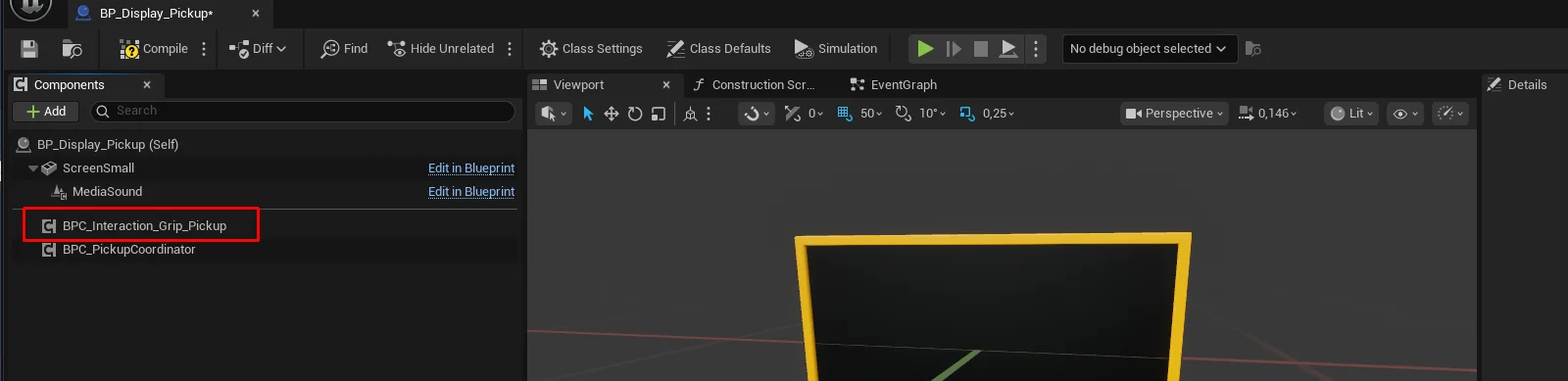
howto_grabbable_01.pngAdding the grip interaction component
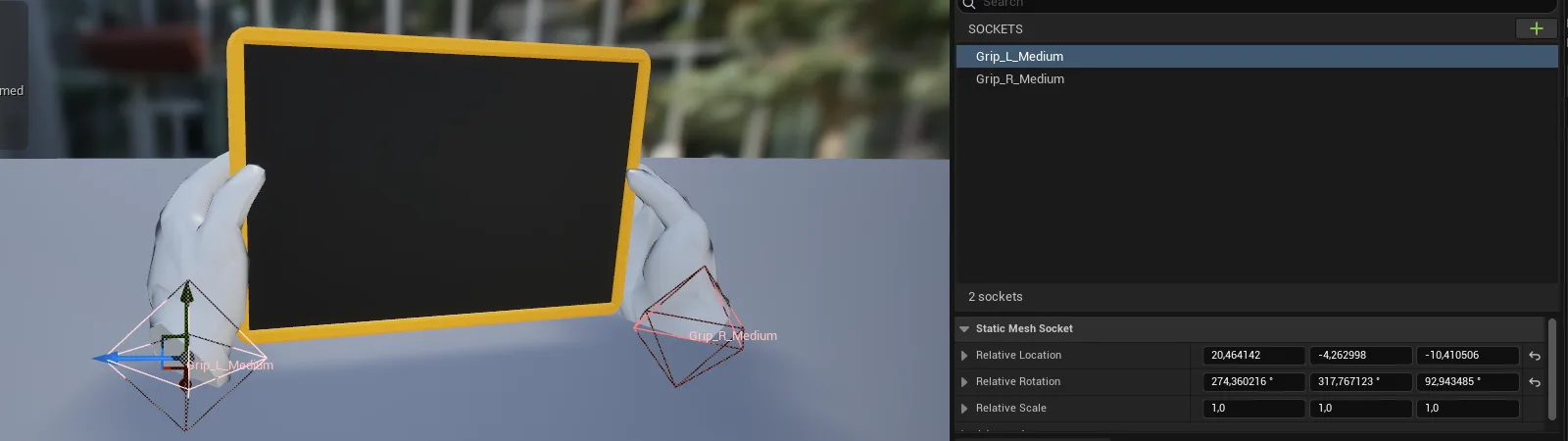
howto_grabbable_02.pngPlacing grip sockets on the mesh
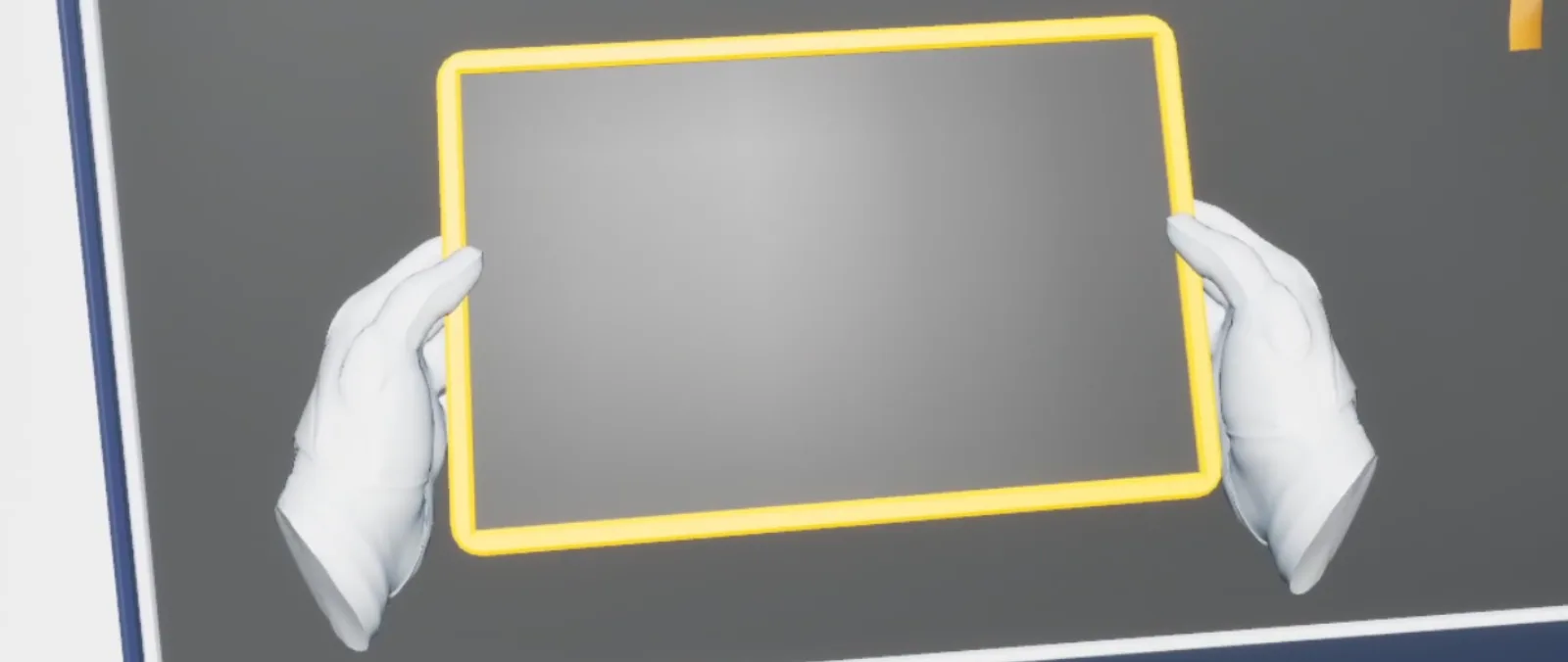
AFS_UX_Grip_pickup.pngThe finished result — the object held in the hand
Notes
The closest valid socket wins when several are in range, scored by distance within Max Attach Distance. Set Required Prefix on the interaction if the object should only accept particular sockets.
Bind to On Gripped Start and On Gripped Release on the interaction component to react.
Implement Interface_Grip on the actor and return false from CanBeGripped to veto grabbing under
your own conditions.
Multiplayer
Without BPC_Replication_Actor, other players will not see the object move. The replication
component handles interpolation and authority hand-off automatically when a player picks it up.