AFM_Visibility
Shows and hides actors with sound and material transitions, including a switch component for fading between states.
What it gives you
- Show and hide with a visible transition
- Optional collision and tick handling
- Replicated deletion that plays the transition on every client
Requires
Required by
Description
Making an actor disappear with SetActorHiddenInGame is abrupt and leaves collision and ticking
untouched. BPC_Visibility wraps the operation: it optionally disables collision and ticking, plays
a sound, and offers a delete path that fades before destroying.
BPC_Visibility_Switch adds a material-based fade using a mesh copy, so the object dissolves rather
than popping.
Setup
- Enable
AFM_Visibility. - Add
BPC_VisibilityorBPC_Visibility_Switchto the actor. - Set Include Collision and Include Actor Tick to suit.
Usage
Hiding an object
Call SetVisibility or ToggleVisiblity.
Deleting visibly
Call Delete rather than DestroyActor, so the transition plays first. FL_Delete.DeleteActor
does this automatically for any actor, falling back to a plain destroy if the component is absent.
Key properties
| Property | When to change |
|---|---|
Include Collision | Turn off if the object must stay solid while invisible |
Include Actor Tick | Turn off if the object must keep running logic while hidden |
Animation Duration | Fade length on the switch variant |
Mesh Selection Tag | Restrict the fade to tagged meshes |
Extending
Derive from BPC_Visibility for custom transitions.
Multiplayer notes
Multicast_Delete plays the transition on every client before the actor is destroyed, so removals are seen rather than instantaneous.
Example map
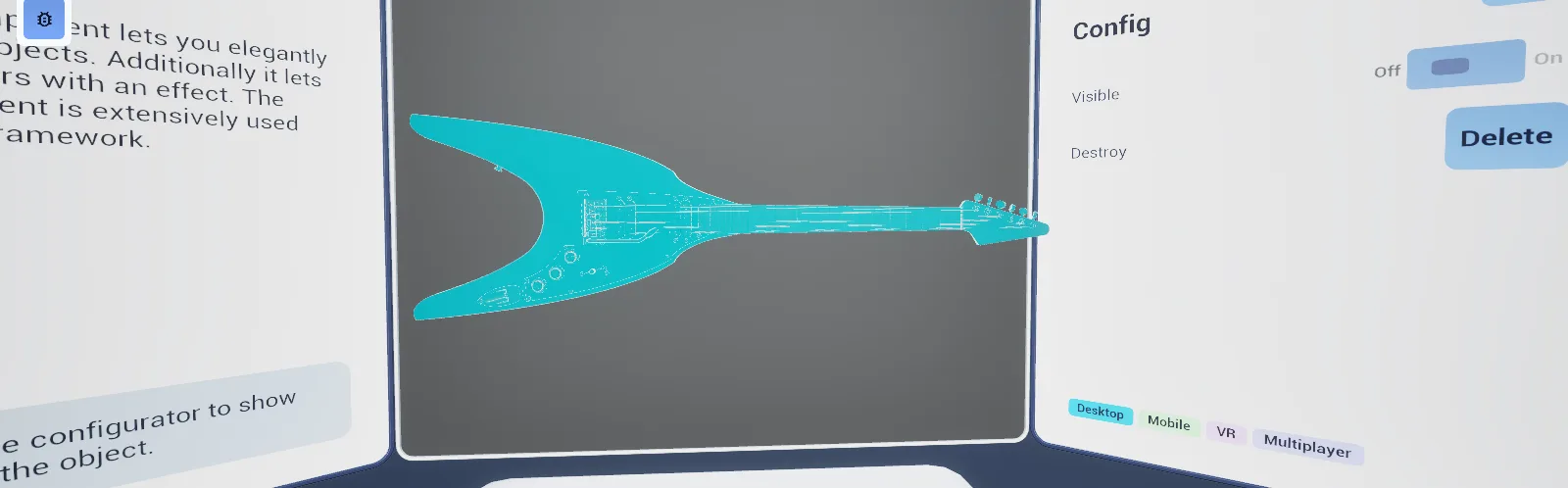
Map_Examples_Visibility demonstrates the transitions.
Troubleshooting
The object vanishes instantly. BPC_Visibility was used where BPC_Visibility_Switch was intended — only the switch variant fades.
API reference
Every blueprint asset in this plugin. Expand an asset to see its members.
Components
BPC_Visibility13 members
| Kind | Name | Signature | Description |
|---|---|---|---|
| var | IncludeCollisionConfig | bool | Whether hiding the actor also disables its collision. Turn off if the object should stay solid while invisible. |
| var | IncludeActorTickConfig | bool | Whether hiding the actor also stops it ticking. Turn off if the object must keep running logic while hidden. |
| var | Sound ShowSounds | SoundBase | Sound played when the actor becomes visible. |
| var | Sound HideSounds | SoundBase | Sound played when the actor is hidden. |
| fn | getIsVisibleState | (out Visible: bool) | Returns whether the owner is currently visible. |
| event | SetVisibility | (SetVisible: bool) | Shows or hides the owning actor, applying the configured collision, tick and sound behaviour. |
| event | ApplyDesiredState | () | Re-applies the current visibility state to the actor, for use after spawning or after components change. |
| event | Delete | () | Hides the actor and then destroys it, so the removal is seen rather than instantaneous. |
| event | OnTransitionFinished_Event | () | Internal handler that completes the pending visibility change once its transition has played. |
| event | Multicast_Delete | () | Replicated deletion, so every client plays the hide transition before the actor disappears. |
| event | Server_ServerDelete | () | Asks the server to delete this actor for all players. |
| event | StartDelete | () | Begins the delete sequence, playing the hide transition before destruction. |
| event | Toggle Visiblity | () | Flips the actor between visible and hidden. |
BPC_Visibility_Switch9 members
| Kind | Name | Signature | Description |
|---|---|---|---|
| var | AnimationDurationSettings | float | Duration in seconds of the fade between visible and hidden. |
| var | MaterialSettings | MaterialInterface | Material used for the transition copy of the meshes while fading. |
| var | TagSelectionSelection | E_Visiblity_MeshSelection | Whether the transition applies to all meshes on the actor or only those carrying the selection tag. |
| var | MeshSelectionTagSelection | name | Component tag identifying which meshes take part in the transition, when tag selection is enabled. |
| fn | getIsVisible | (out Visible: bool) | Returns whether the owner is currently visible, accounting for a transition in progress. |
| event | OnTransitionFinished_Helper | () | Internal handler fired when the mesh-copy fade completes. |
| event | OnFadeUpdate_Event | (Progress: float) | Internal handler that drives the fade material as the transition progresses. |
| event | OnTriggerMeshVisibility_Event | () | Internal handler that flips the real meshes at the midpoint of the fade. |
| event | SetVisibility | (SetVisible: bool) | Shows or hides the actor with a material fade rather than an instant switch. |
Helper
BP_Helper_MeshCopy_Visibility1 members
| Kind | Name | Signature | Description |
|---|---|---|---|
| fn | getVisibilityTimeline | (out ShowMaterial: TimelineComponent) | Returns the timeline used for the visibility fade on this mesh copy. |
Libraries
FL_Delete1 members
| Kind | Name | Signature | Description |
|---|---|---|---|
| fn | DeleteActorDelete | (Target: Actor, __WorldContext: Object) | Deletes an actor through its visibility component if it has one, so the hide transition plays, and destroys it outright otherwise. |