Home › Workflows › Replicate an interaction
Replicate an interaction
By the end of this your interaction will behave correctly for every player in a session.
Steps
- Confirm
AFPNetDriveris the active net driver — see Installation. - Add a
BPC_Replication_Actorcomponent to any actor whose transform must be shared. - For a component rather than the whole actor, use
BPC_Replication_Componentand set its Component Tag. - If your own component needs to call a server RPC, implement
IOutsidePawnRPCInterfaceon it. - Tune Tolerance and the two tick intervals for the object's movement profile.
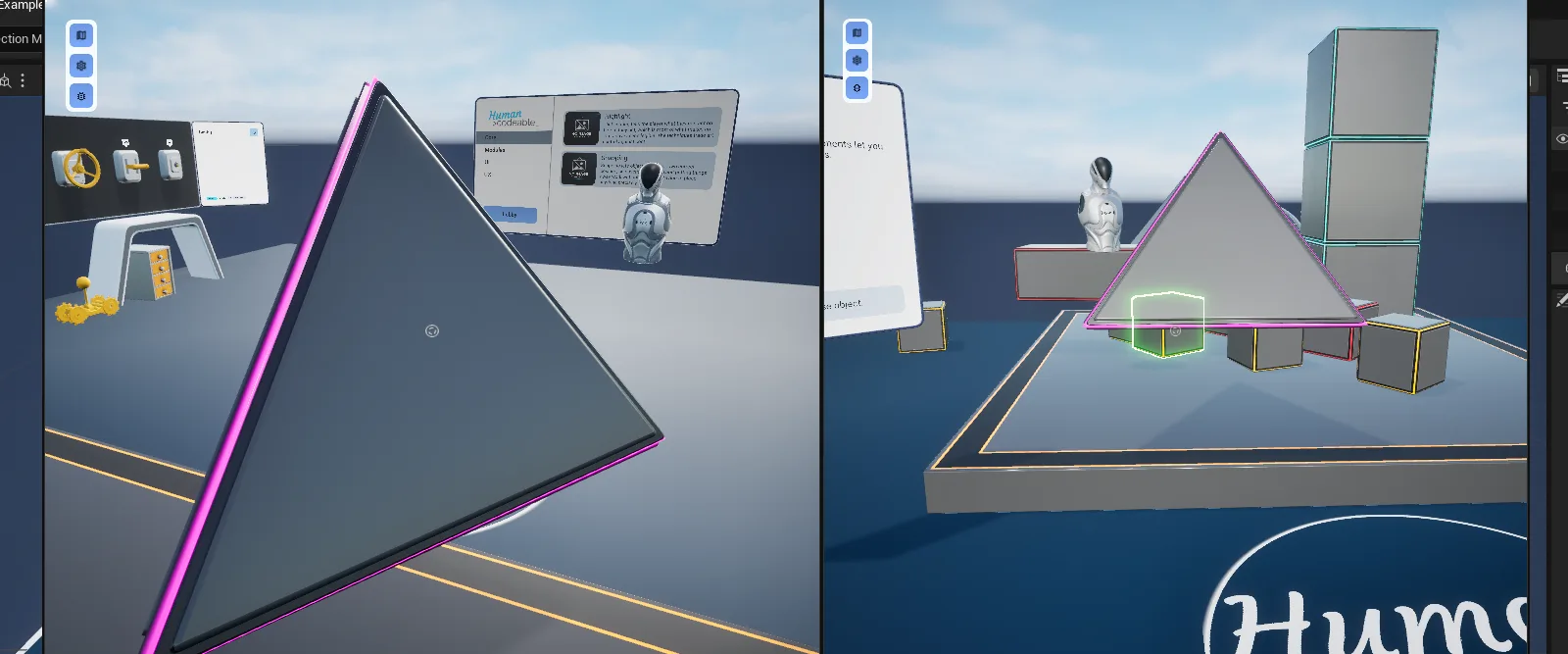
AFM_Replication_result.pngTwo clients side by side, both seeing the carried object
Notes
Multiplayer
State components (BPC_State_*) and BPC_Interaction_Select already implement the RPC marker
interface, so selecting and changing state replicate without extra work.
Performance
The default 0.06 s moving and 0.5 s resting intervals suit hand-held props. Raise the resting interval for objects that rarely move; lower the moving interval only for fast objects where lag is visible.