Advanced Framework Pro
A cross-platform interaction and UI framework for Unreal Engine. Build once; run in VR, on desktop and on mobile, with the same actors, the same UI and the same level flow.
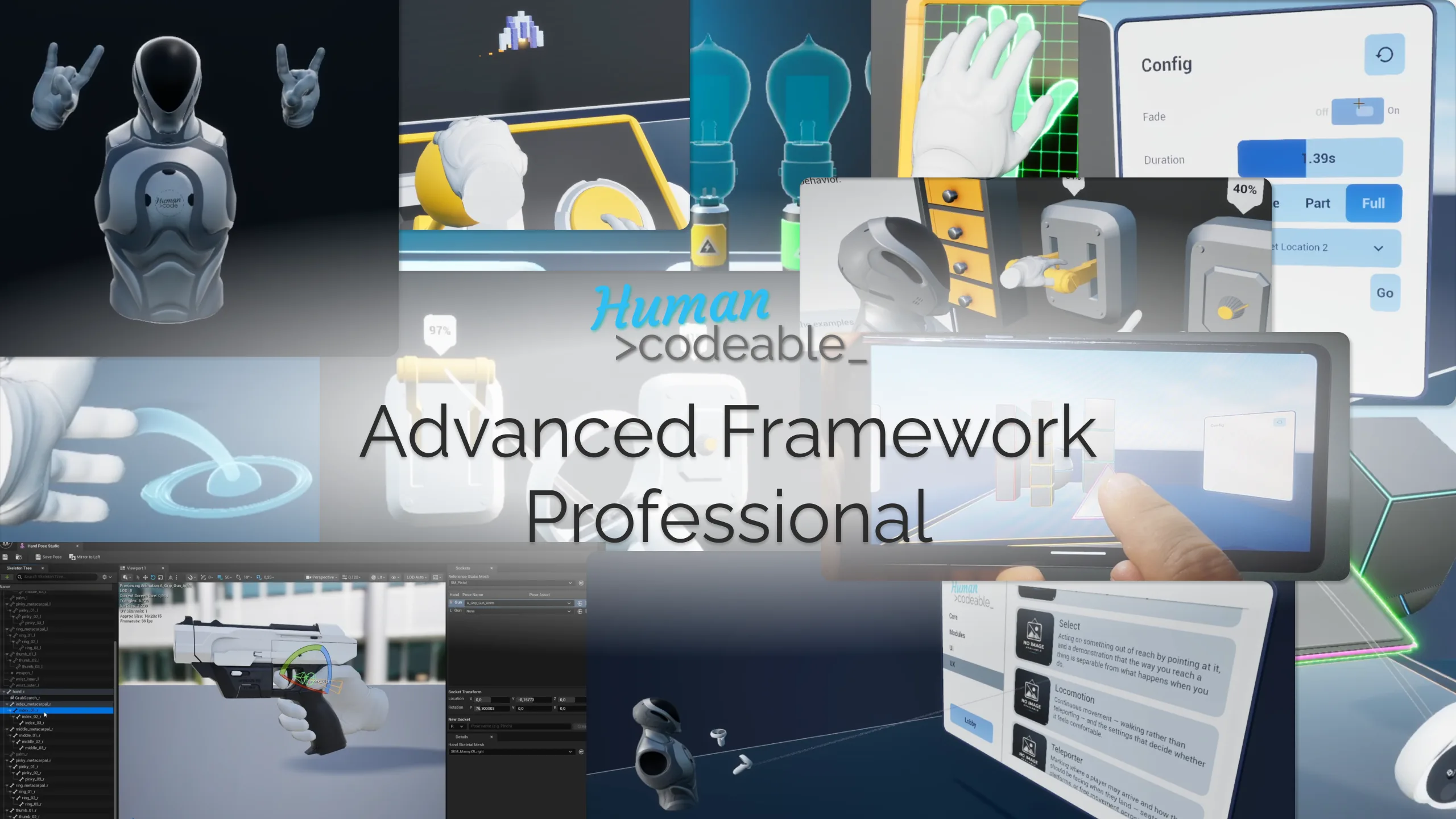
Where to start
If you are evaluating the framework, read Architecture — it explains the whole design in one page. If you have just installed it, go to Installation and then First steps. If you are looking for how to do one specific thing, the Workflows section is task-shaped rather than feature-shaped.
If you would rather watch than read, the video tutorials follow the same order, and questions are answered in the Discord.
What makes it different
One content set, three platforms. Interactable actors never reference a pawn class. They receive a Source Info struct describing who is acting on them, which is what lets the same object be grabbed by a VR hand, clicked on desktop and tapped on mobile without branching.
Capability is presence. An object becomes grabbable by having a grip interaction component attached. There is no registration step, no manager to update and no central list to maintain.
Nothing is enabled or disabled directly. Abilities carry a list of named blocker reasons and run only when that list is empty, so independent systems can suppress the same ability without fighting over it.
Multiplayer is built in, not bolted on. Adaptive transform replication, a custom net driver that lets non-pawn objects call server RPCs, and replicated UI are part of the framework rather than an afterthought.
Plugins
System 20
The load-bearing pieces: pawns, interaction stacks, the UI design system, spatial UI, highlighting, snapping and level loading.
Module 14
Self-contained capabilities that attach to actors: state, replication, spawning, panels, splines, visibility, teleport and more.
Assets 4
Shared colours, icons, materials and sounds, plus the sound class hierarchy the framework mixes through.